 Photo · Gemini
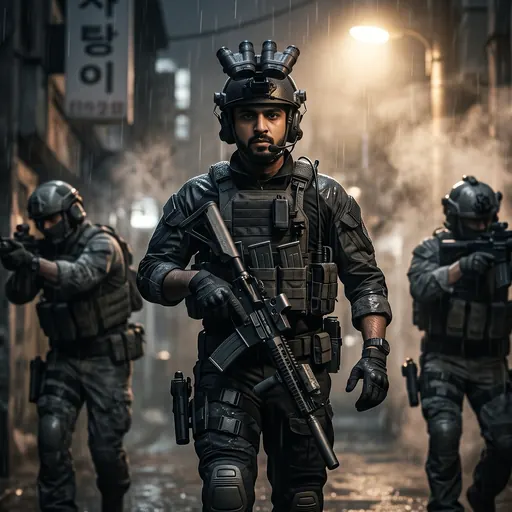
Put me in Call of Duty: Modern Warfare 4 (MW4) as the squad leader. Use the face from my attached photo. Keep my face, hair and skin tone exactly the same so it is clearly me, face fully visible with no mask. Make it look like a real MW4 in-game screenshot: Modern Warfare 4 photoreal next-gen graphics, gritty cinematic lighting, cool desaturated colour grade, light film grain, not a cartoon or drawing. MW4 scene: night, a narrow rain-wet alley in a Korean city, steam and a single hard light behind, I walk towards the camera in full black tactical gear, plate carrier with pouches, gloves and a headset, a helmet with four-tube night-vision goggles flipped up, rifle slung across my chest, two squad mates in helmets slightly behind me out of focus. Any rifle is held low, pointing at the ground. Wide 16:9 frame, face in the centre. No text and no logos. If I also attached an MW4 picture, copy its look and gear, but use it only for the style, not its people.
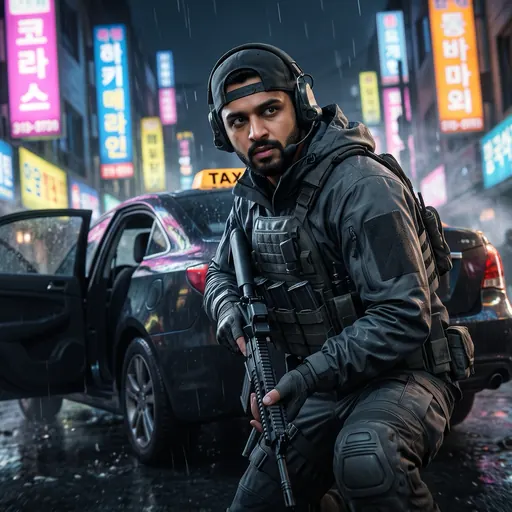 Photo · Gemini
Put me in Call of Duty: Modern Warfare 4 (MW4) in the streets of Seoul. Use the face from my attached photo. Keep my face, hair and skin tone exactly the same so it is clearly me, face fully visible with no mask. Make it look like a real MW4 in-game screenshot: Modern Warfare 4 photoreal next-gen graphics, gritty cinematic lighting, rich neon colours with a cool grade, light film grain, not a cartoon or drawing. MW4 scene: a busy Seoul shopping street at night in the rain, bright neon Korean shop signs in pink, blue and yellow, wet road reflecting the lights, an abandoned taxi with its doors open, I crouch beside it in a dark grey tactical jacket, plate carrier, fingerless gloves and a cap worn backwards with a headset over it, looking over my shoulder at the camera. Any rifle is held low, pointing at the ground. Wide 16:9 frame, face in the centre. No text and no logos. If I also attached an MW4 picture, copy its look and gear, but use it only for the style, not its people.
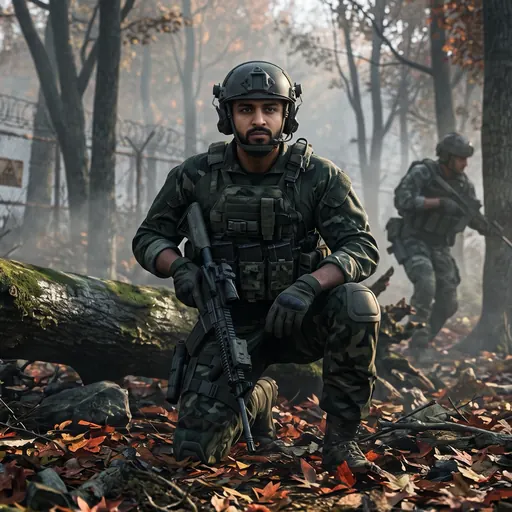 Photo · Gemini
Put me in Call of Duty: Modern Warfare 4 (MW4) on a mission in the DMZ. Use the face from my attached photo. Keep my face, hair and skin tone exactly the same so it is clearly me, face fully visible with no mask. Make it look like a real MW4 in-game screenshot: Modern Warfare 4 photoreal next-gen graphics, soft cinematic morning light, muted colour grade, light film grain, not a cartoon or drawing. MW4 scene: an autumn mountain forest on the Korean DMZ at dawn, low mist between the trees, red and orange leaves on the ground, an old rusted border fence in the background, I kneel behind a fallen tree in green woodland camouflage, plate carrier, gloves and a helmet with a headset, rifle resting across my knee, calm focused face turned towards the camera, a squad mate moving between the trees behind me. Any rifle is held low, pointing at the ground. Wide 16:9 frame, face in the centre. No text and no logos. If I also attached an MW4 picture, copy its look and gear, but use it only for the style, not its people.
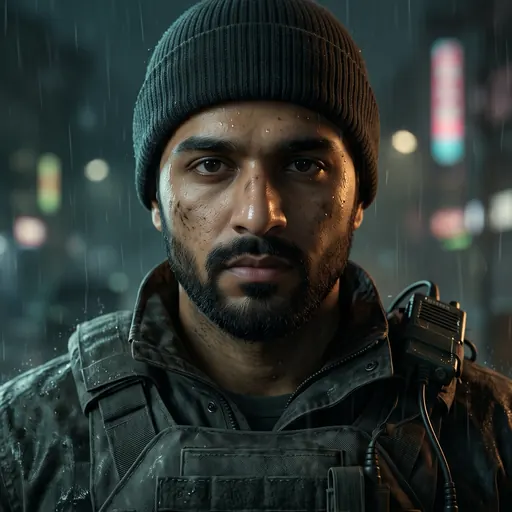 Photo · Gemini
Put me in Call of Duty: Modern Warfare 4 (MW4) as the face of the game, in a cinematic character close-up. Use the face from my attached photo. Keep my face, hair and skin tone exactly the same so it is clearly me, face fully visible with no mask. Make it look like a real MW4 in-game screenshot: Modern Warfare 4 photoreal next-gen graphics, moody cinematic lighting with one soft key light, dark teal and charcoal grade, light film grain, not a cartoon or drawing. MW4 scene: night in the rain, a tight close-up from the chest up, I wear a worn dark field jacket over a plate carrier with a radio on the shoulder, a dark beanie, rain drops and a little grime on my cheek, serious steady look straight into the camera, blurred city lights and rain behind me. No weapons in this one. Any rifle is held low, pointing at the ground. Wide 16:9 frame, face in the centre. No text and no logos. If I also attached an MW4 picture, copy its look and gear, but use it only for the style, not its people.
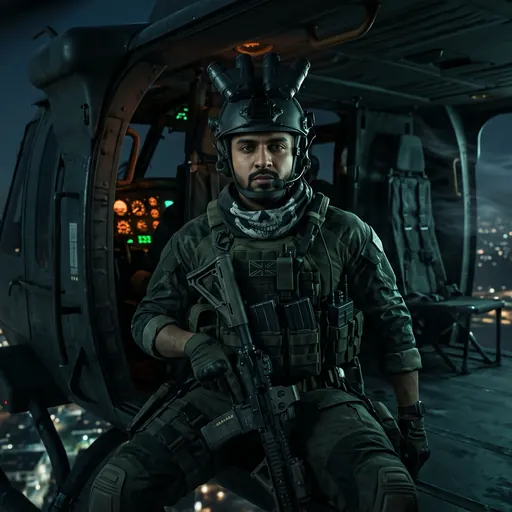 Photo · Gemini
Put me in Call of Duty: Modern Warfare 4 (MW4) as a special forces operator in a helicopter. Use the face from my attached photo. Keep my face, hair and skin tone exactly the same so it is clearly me, face fully visible with no mask. Make it look like a real MW4 in-game screenshot: Modern Warfare 4 photoreal next-gen graphics, dramatic cinematic lighting, cool blue-green night grade with warm cockpit lights, light film grain, not a cartoon or drawing. MW4 scene: night, I sit in the open side door of a military helicopter flying over a glowing city, wind in the cabin, a skull-print balaclava pulled down around my neck so my whole face shows, a helmet with four-tube night-vision goggles flipped up, olive tactical gear, gloves and a headset, rifle strapped to my chest, looking straight at the camera. Any rifle is held low, pointing at the ground. Wide 16:9 frame, face in the centre. No text and no logos. If I also attached an MW4 picture, copy its look and gear, but use it only for the style, not its people.
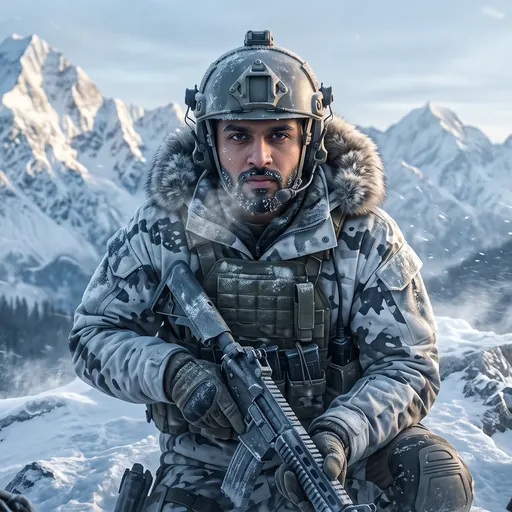 Photo · Gemini
Put me in Call of Duty: Modern Warfare 4 (MW4) on a winter mission in the mountains. Use the face from my attached photo. Keep my face, hair and skin tone exactly the same so it is clearly me, face fully visible with no mask. Make it look like a real MW4 in-game screenshot: Modern Warfare 4 photoreal next-gen graphics, cold cinematic dawn light, icy blue colour grade, light film grain, not a cartoon or drawing. MW4 scene: a snowy mountain ridge at sunrise, huge white peaks like the Karakoram behind, snow blowing in the wind, pine trees below, I crouch on the ridge in white and grey winter camouflage, a fur-lined hood down, frost in my hair, gloves and a helmet with a headset, breath steaming, looking at the camera. Any rifle is held low, pointing at the ground. Wide 16:9 frame, face in the centre. No text and no logos. If I also attached an MW4 picture, copy its look and gear, but use it only for the style, not its people.
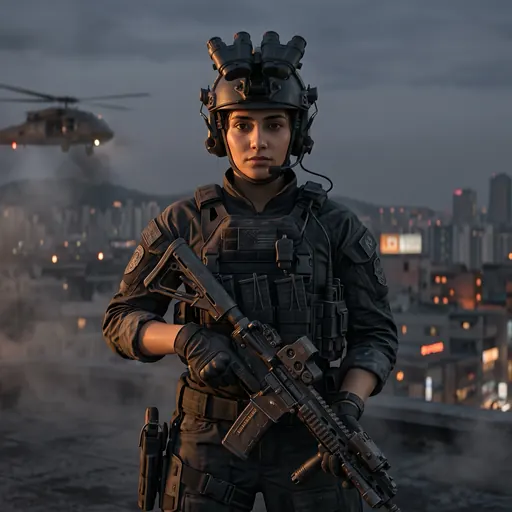 Photo · Gemini
Put me in Call of Duty: Modern Warfare 4 (MW4) as an elite special forces operator. Use the face from my attached photo. Keep my face, hair and skin tone exactly the same so it is clearly me, face fully visible with no mask. Make it look like a real MW4 in-game screenshot: Modern Warfare 4 photoreal next-gen graphics, gritty cinematic lighting, cool desaturated colour grade, light film grain, not a cartoon or drawing. MW4 scene: dusk on a rooftop in a Korean city, smoke drifting, orange city lights and a helicopter far behind, I stand in full black tactical gear with a plate carrier, gloves, a headset and a helmet with night-vision goggles flipped up, my hair tied back, calm fierce look straight at the camera. Any rifle is held low, pointing at the ground. Wide 16:9 frame, face in the centre. No text and no logos. If I also attached an MW4 picture, copy its look and gear, but use it only for the style, not its people.