
Video voice changer
A deep, child or cartoon voice in your own video, free in the Sitey app.
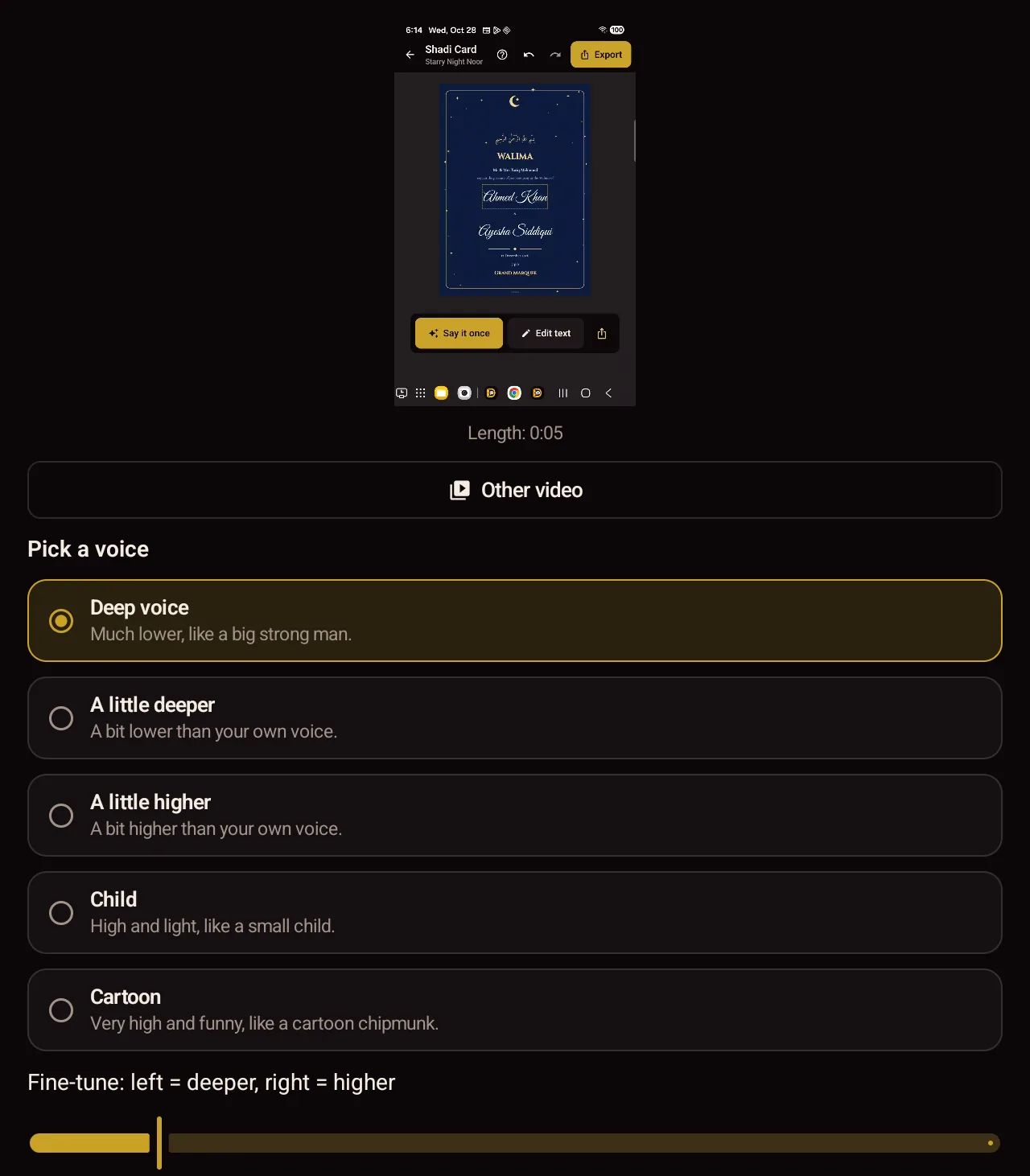
How to do it
- Install the Sitey app from Google Play, free.
- Open Voice changer.
- Choose a video from your phone.
- Pick a voice: deep, a little deeper, a little higher, child or cartoon.
- Save the new video, or send it on WhatsApp.
Good to know
- 5 voices, with a slider to fine-tune.
- The video keeps its speed, so lips and voice stay together.
- Made on your phone. Nothing is uploaded.
- For recorded videos, not live calls or games.
- Android 7 and newer; not on iPhone yet.
Questions
No. The voice changer is only in the Sitey app.
Yes. Every tool in the app is free.
No. It changes the voice in a video you have recorded.
Not really. It makes your own voice higher or deeper.

