
Image to text in Urdu: copy Urdu words out of a photo
By the Sitey team · · 3 min read
Got a notice, a menu or a page in Urdu and need the words as text? Sitey's free image to text page reads printed Urdu out of a photo or screenshot, and you copy it into WhatsApp or Word. How well it works depends on the style of the Urdu, so we tested it first.
A real test: two styles of Urdu
We printed the same short shop notice in Naskh (the plain style of phone and computer fonts, left) and Nastaliq (the flowing style of newspapers and books, right):
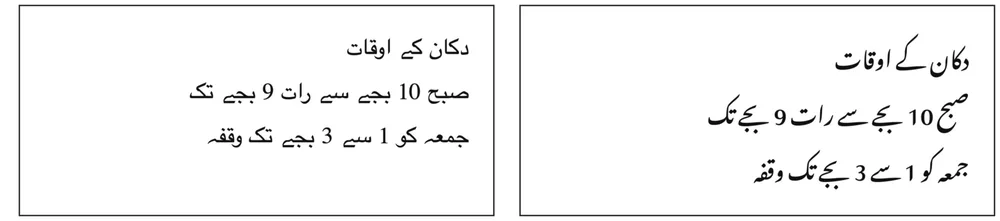
Naskh: all 19 words right. The text came out exactly as printed:
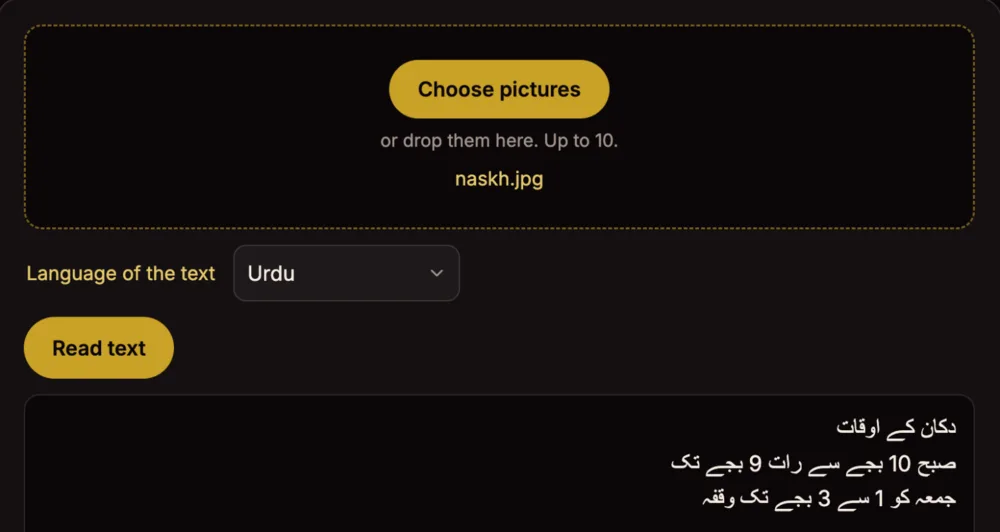
Nastaliq: 9 of 19 words right. Letters were dropped and joined wrongly, for example:
سح بے سے رات 9 بے تکIt should read صبح 10 بجے سے رات 9 بجے تک.
How to do it, step by step
- Open the image to text page and tap Choose pictures. Up to 10 at once.
- Set Language of the text to Urdu, or Both when the picture has English too.
- Tap Read text. The first time takes a little longer while the reader gets ready.
- Check the words against the picture, then Copy text or Save as .txt.
Watch how it works: a short video
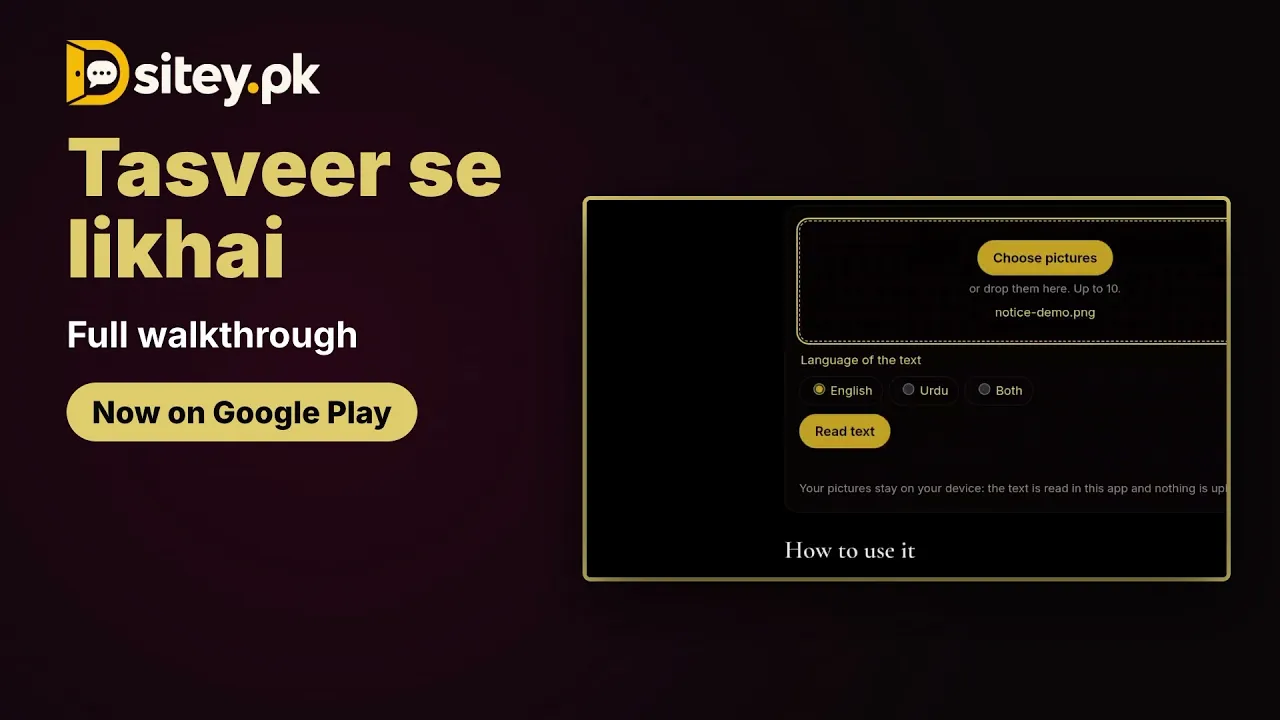
The video shows this tool in the free Sitey app. Open on YouTube
In the Sitey app, search image to text: the same job, up to 10 pictures, without internet.
Tips for a clean result
- Hold the phone straight over the page, in good light, and keep it sharp.
- Crop the picture to the words you need.
- Pick Urdu, not English: the wrong language gives nonsense.
- Newspapers and books are usually Nastaliq: expect to fix some words by hand.
The limits, plainly
- It reads printed text, not handwriting.
- Naskh comes out well; Nastaliq makes mistakes (9 of 19 words in our test).
- The picture is read in your browser and is not uploaded to Sitey.
- It uses Tesseract, a free open-source text reader that supports Urdu.

