
Urdu text to speech: a natural Urdu voice on your phone
By the Sitey team · · 2 min read
Type a sentence in Urdu, Roman Urdu or English, pick a voice, and the free Sitey app reads it out in natural Urdu. You can send it on WhatsApp as a voice message, or save it as an audio file for a video. This guide shows what it sounds like, how to make one, and what the limits are.
Hear it first
Every sample says the same line:
السلام علیکم! یہ Sitey کی آواز ہے۔ آج دکان پر تمام چیزوں پر بیس فیصد رعایت ہے۔Breezy woman
Warm woman
Deep man
Storyteller man
The audio loads only when you press play. These are 4 of the 30 voices; hear all of them on the Urdu AI voice page.
Make one in the app, step by step
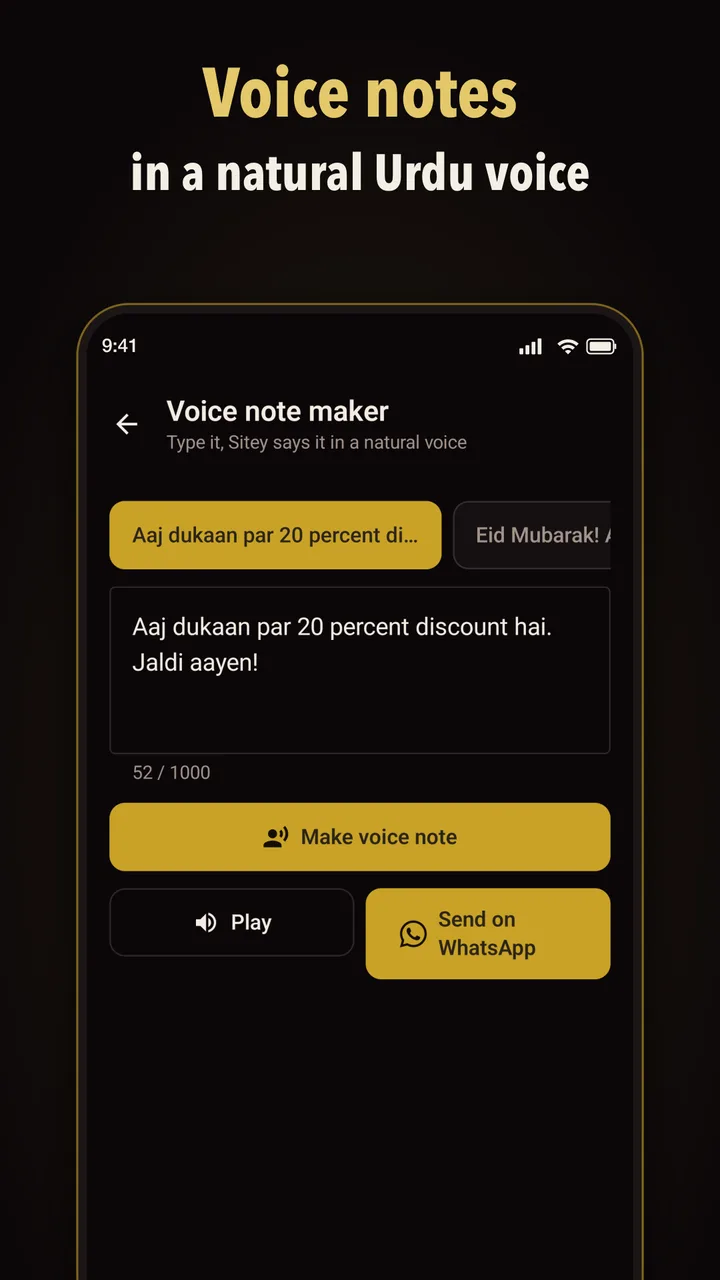
- Open Sitey and type voice in the search box at the top of the home screen. Tap Voice note maker.
- Type or paste what should be said: Urdu, Roman Urdu or English, up to 1,000 characters.
- Pick a voice: 14 women's and 16 men's voices, named by how they sound (Warm, Deep, Calm…). Tap one to hear it.
- Tap Make voice note, then Play to listen.
- Send on WhatsApp sends it as a voice message. Download the audio file (WAV) saves it on your phone for a video editor.
Watch how it works: a short video
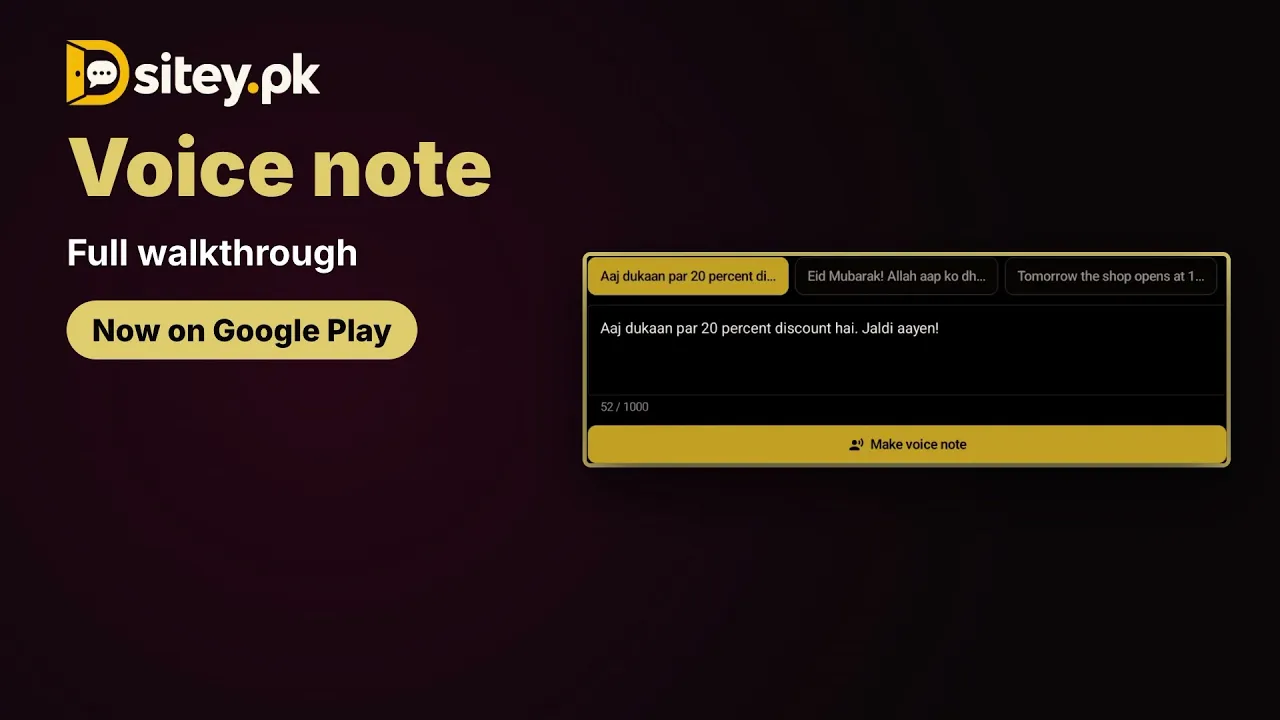
The video shows this tool in the free Sitey app. Open on YouTube
What people make with it
- Shop announcements: today's discount or new stock, sent to customers' WhatsApp.
- Greetings: Eid, birthday and shaadi wishes as a voice message to family.
- Voice-overs: narration for YouTube, TikTok or Facebook videos without recording your own voice.
- Reading aloud: a long message turned into audio for someone who would rather listen than read.
Tips for a voice that sounds right
- Write short sentences. A full stop (۔) or a comma (،) gives the voice a natural pause.
- If a number or sign comes out wrong, write it as it is spoken: بیس فیصد instead of «20%».
- Spell names and English words the way they are said.
- Listen once before you send it. Making it again with a small change is free.
The limits, plainly
- 40 voice notes a day for each signed-in account, each up to 1,000 characters.
- It needs the internet: the voice is made on Sitey's server with Google's Gemini text-to-speech. Google lists Urdu (Pakistan) among Gemini-TTS languages, marked as preview.
- On the website you can try one voice a day, up to 200 characters, in one voice. The app has all 30.
- The audio you make is yours to use, including in monetised YouTube videos; YouTube looks at whether the video itself is original. Details in the terms.

