
Urdu typing online: type Urdu on your phone, laptop or in Word
By the Sitey team · · 3 min read
You don't need an Urdu keyboard to write Urdu. On Sitey's free Urdu typing page, each English key types the Urdu letter that sounds like it. Type, copy, and paste it into WhatsApp, Facebook or Word. No sign-up.
Try it: one sentence
Type these English keys:
Aj dkan bnd oy.and this is what you get:
آج دکان بند ہے۔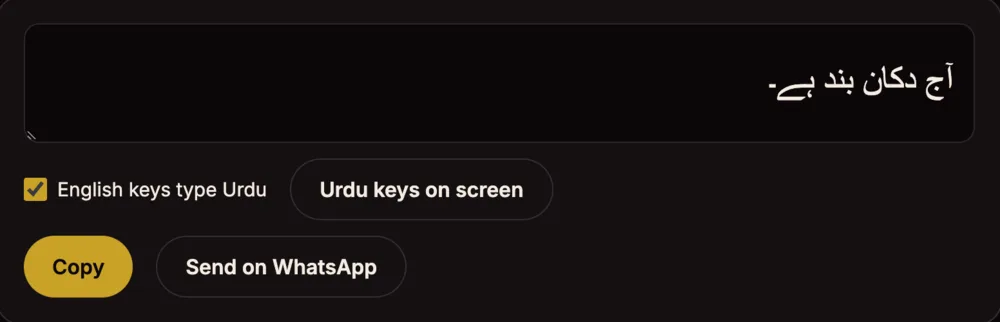
The keys, in short
- aا
- bب
- pپ
- tت
- jج
- dد
- rر
- zز
- sس
- fف
- qق
- kک
- gگ
- lل
- mم
- nن
- wو
- iی
- Aآ
- Tٹ
- Dڈ
- Rڑ
- Nں
- cچ
- xش
- Kخ
- Hح
- Gغ
- eع
- oہ
- hھ
- yے
- uء
- .۔
- ,،
- ?؟
Every key, with zer, zabar and pesh, is in the chart on the Urdu typing page.
On a computer, step by step
- Open the Urdu typing page.
- Keep English keys type Urdu ticked and type with your normal keyboard.
- No keyboard to hand? Tap Urdu keys on screen.
- Tap Copy and paste it anywhere, or Send on WhatsApp.
Watch how it works: a short video
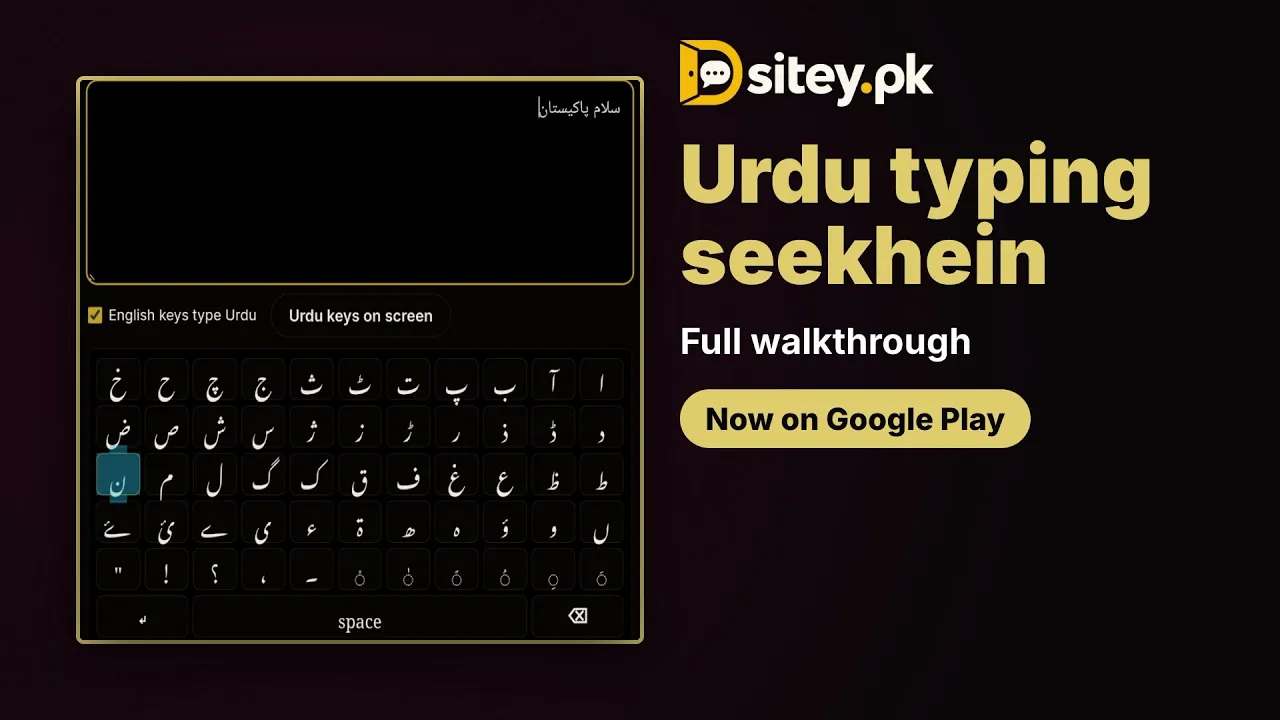
The video shows Urdu typing in the free Sitey app. Open on YouTube
Urdu on your phone's keyboard (Gboard)
- Open an app you type in, like WhatsApp, and tap where you type.
- On the keyboard, open the features menu and tap Settings, then Languages.
- Tap Add keyboard, choose Urdu, pick a layout and tap Done.
- Switch between English and Urdu with the globe key.
In the Sitey app, search urdu typing: Urdu keys on screen or your own keyboard, then copy it or send it on WhatsApp.
Urdu in Word, on Windows
- The quick way: type on the Urdu typing page, tap Copy, and paste into Word.
- To type straight into Word, add Urdu to Windows: Settings → Time & language → Language & region, add Urdu, then under its Language options check the keyboard.
- Switch keyboards with Windows key + Space. Windows' Urdu keyboard has its own layout, so the keys are not the same as the chart above.

