
PDF size kam kaise karein: compress a PDF to 200 KB on your phone, free
By the Sitey team · · 4 min read
Job and admission forms often take only a PDF under 200 KB or 100 KB, and a single phone photo is already a few MB. Here is how to make the PDF on your phone and shrink it to the size the form asks, free, with Sitey's PDF tools. Your file is not uploaded.
A real test: 1.2 MB down to 34 KB
We made a three-page PDF of letters (1.2 MB) and asked the compressor for a file under 200 KB:
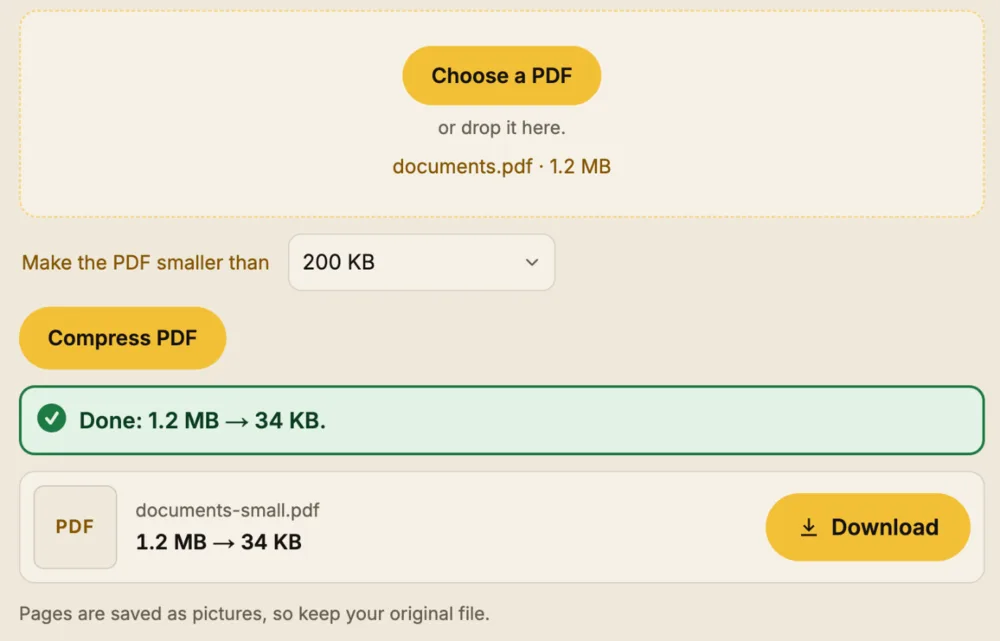
The pages are saved as pictures, so text can no longer be copied out of the small PDF. Keep your original file.
Step 1: make the PDF from your photos
Got the pages as photos? Put them into one PDF on A4 with JPG to PDF, in the order you want. Already have several PDFs? Join them into one with Merge PDF.
Step 2: shrink it to the size the form asks
- Open Compress PDF and tap Choose a PDF.
- Pick the limit the form gives: 100 KB, 200 KB, 500 KB or 1 MB, or type your own.
- Tap Compress PDF. The new size shows, then tap Download.
Watch how it works: a short video
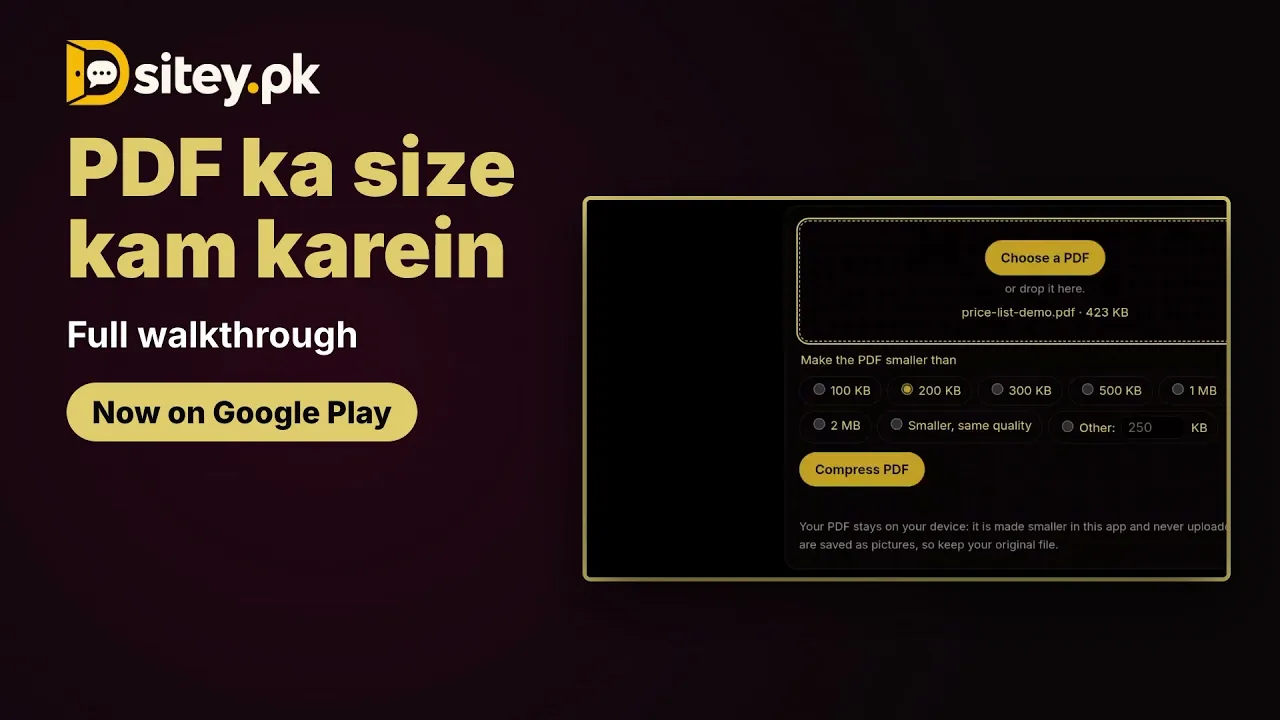
The video shows this tool in the free Sitey app. Open on YouTube
Other PDF jobs on your phone
- A CV or assignment in Word: Word to PDF.
- A PDF you need to change: PDF to Word.
- A form that needs your signature: Sign a PDF.
- Pages you don't need: Delete PDF pages or Split PDF.
- A page as a picture for WhatsApp: PDF to JPG.
In the free Sitey app
The Sitey app has the same PDF tools, plus a scanner: take a photo of a form, bill or letter and get straight, clean pages in one PDF. Search pdf in the app.
The limits, plainly
- Pages become pictures: text can't be copied from the small PDF.
- A PDF that is mostly text is already small; the tool says so, and you can upload it as it is.
- A PDF with a password has to be opened and saved without it first.

